
Diigo has been one of my favorite applications that we have utilized so far in class. With Diigo, presenting ideas and thoughts on specific web articles is easy and clear. The skill that was most helpful with Diigo was definitely organizing and keeping track of resources and comments. Using the topics feature you can create a thread of comments that is easy to access and using the groups feature, it is easy to share and organize documents. In my life, this is a really great skill because it allows educators to provide helpful annotations on play texts or on theory articles which may be confusing to students and to get feedback about what they are thinking as they read. From a collaborator standpoint, theatre artists commonly use text as inspiration for group work so Diigo could be helpful to share ideas and inspirations based on the text. Specifically, it would eliminate a lot of printing needs and time as people are trying to locate specific quotes. Having highlighted sections readily available online streamlines the process.
Bloom’s Taxonomy and Powerpoint support:
Powerpoint can be used at all levels of Bloom’s taxonomy, here I have provided my ideas broken down by each level of the pyramid. Let’s say we are learning about public speaking and debate strategy. Here are examples of ways powerpoint could be used in that lesson:
- Remember:
- Power point slides can feature flashcard-like games and fill in the blank questions that can help students memorize and recall facts.
- Understand:
- Having a visual aid like a power point presentation can help students see and hear information which can help them retain and comprehend information.
- Apply:
- By constructing presentations, students can use what tactics they have learned in class to effectively present information to an audience.
- Analyze:
- Asking students to frame their compare and contrast essays as a power point presentation allows students to break down and present their points in a way that is understandable for the group as a whole.
- Evaluate:
- Similarly, using a power point to explain a topic, provide contrasting arguments, and ask students to discern which solution is best is a way power points can facilitate discussion and encourage students to think critically.
- Create:
- Collaborative work is sometimes best presented in a clear way, power points can help students structure a presentation about work they have created in class.
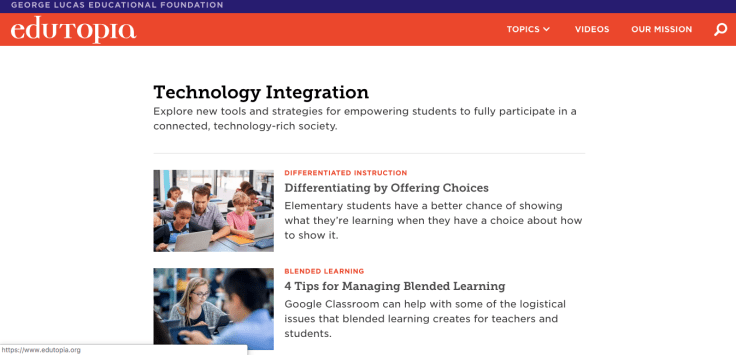
Teachers need to stay up to date with technology in order to be competitive and effective educators. One of the most untapped resources for teachers is sitting right in front of them, the students! One way I stay up to dat is by inquiring what technology the students are already exposed to and familiar with. From a professional development standpoint, online resources are some of the best introduction to new technology or creative applications of technology. Sites like Edutopia.com feature an entire section of their website devoted to integrating technology.
 Digital Getdown
Leave a comment